Your retro game library
Build your retro library on Mac. Play it on your handheld.
Super Retroid is built for Mac. Add your ROMs and it identifies your games, scrapes box art and game details, then exports your library to the handheld frontend you already love.
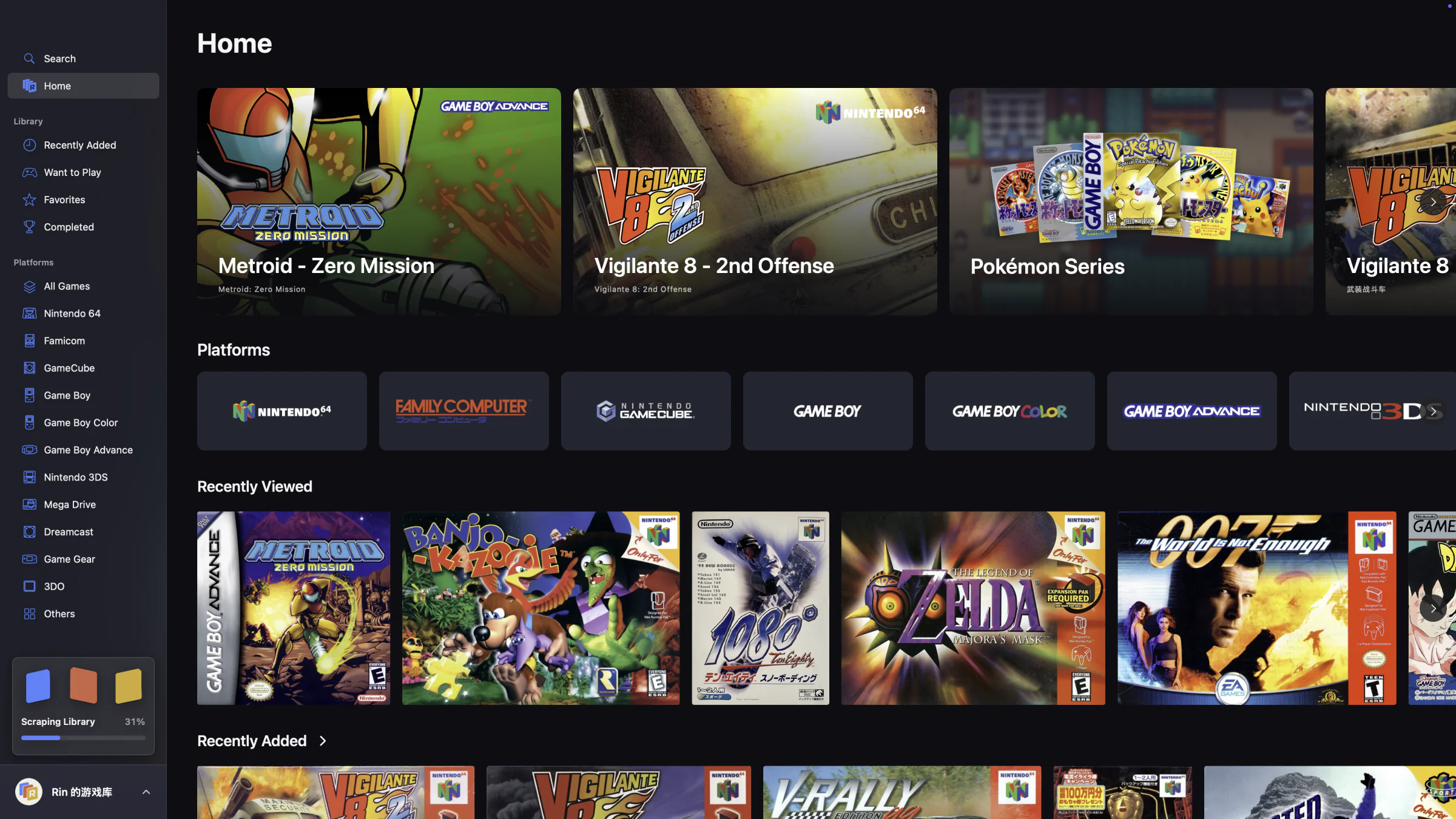
Box art, backgrounds, logos, screenshots, videos and descriptions.
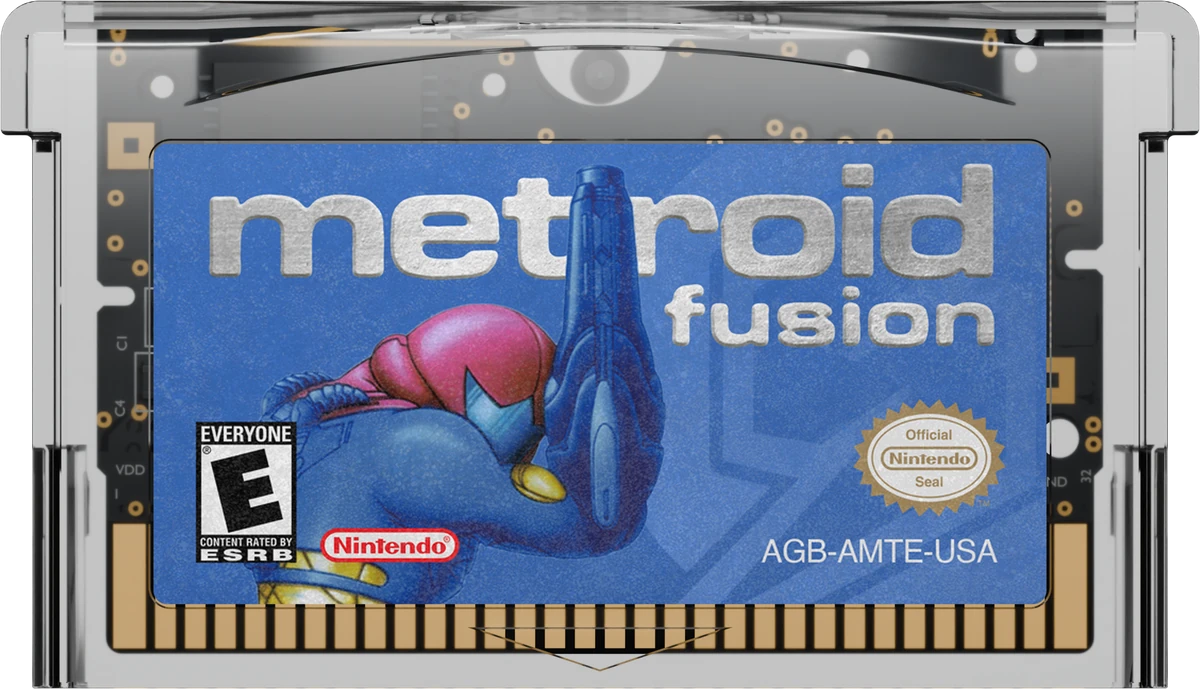
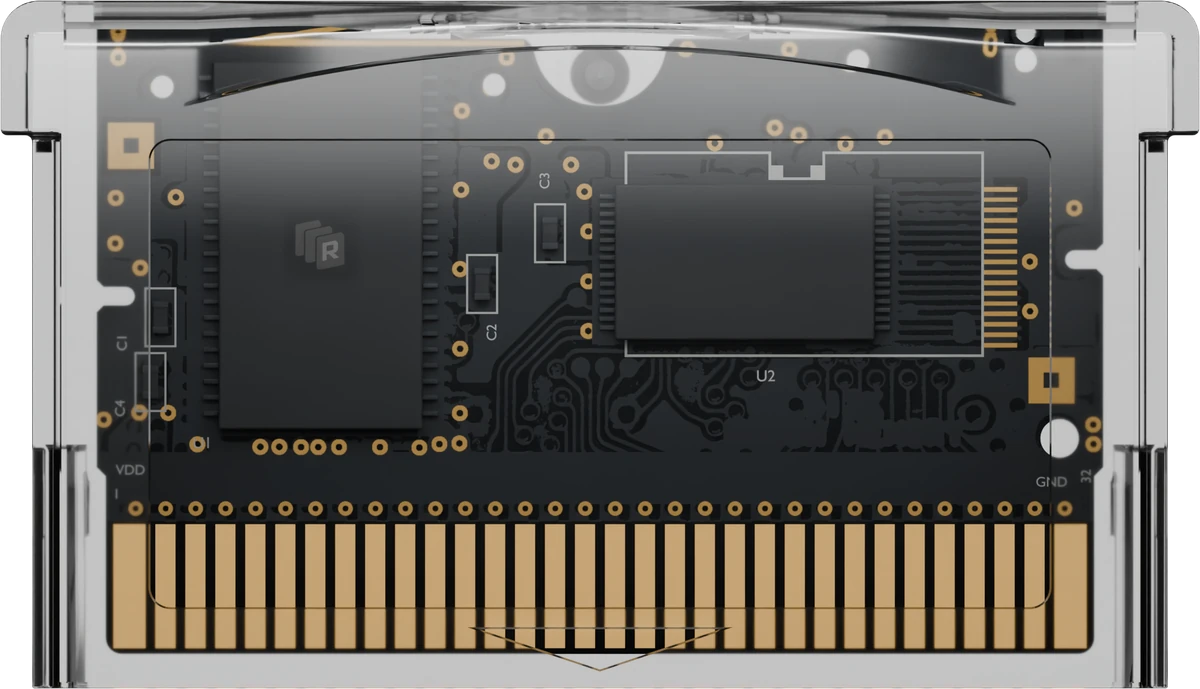
Add a cartridge label and Super Retroid wraps it in a custom transparent shell.
Export straight to your handheld frontend. No technical know-how needed.
Super Retroid identifies your games by checksum and game ID, not just file names.
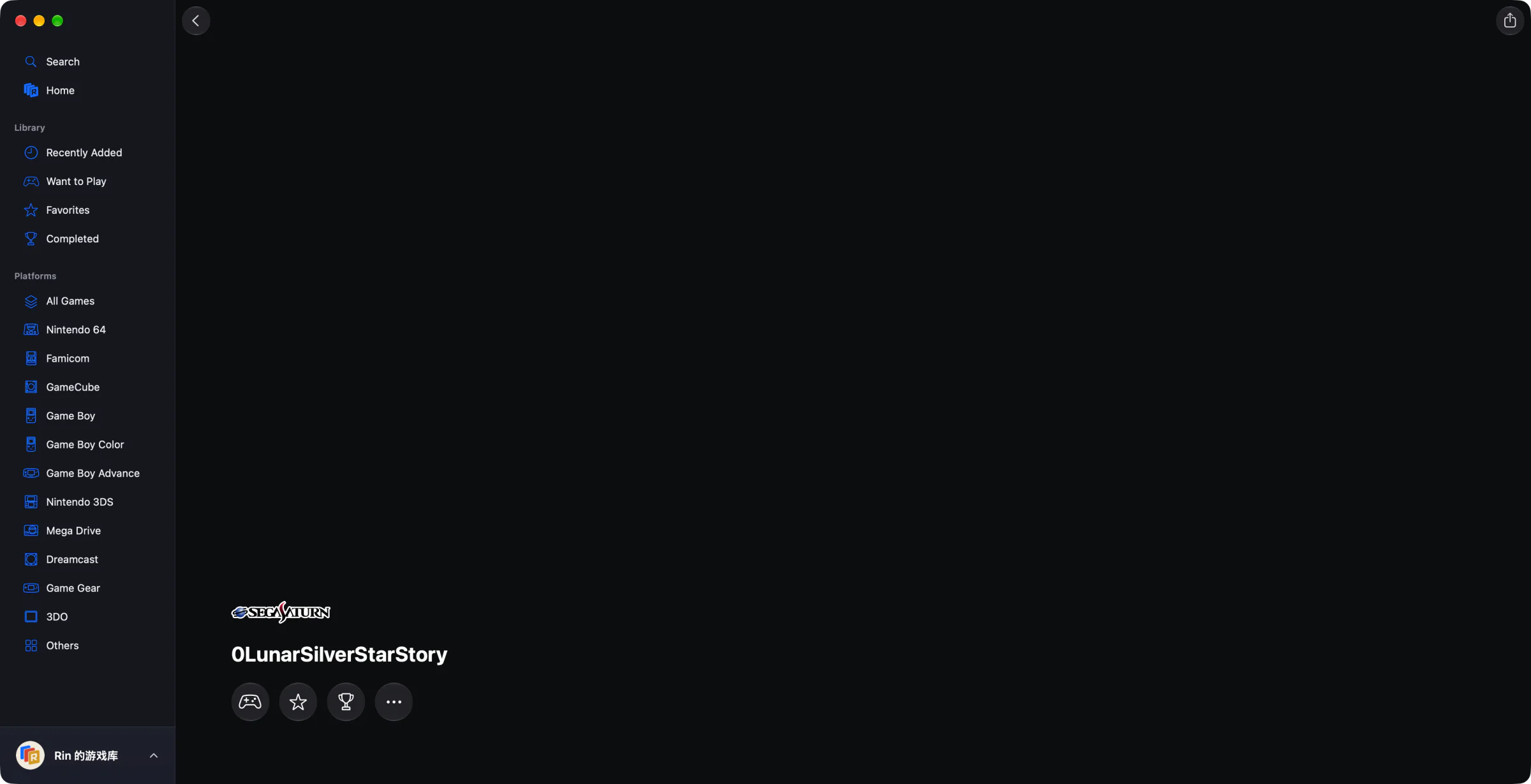
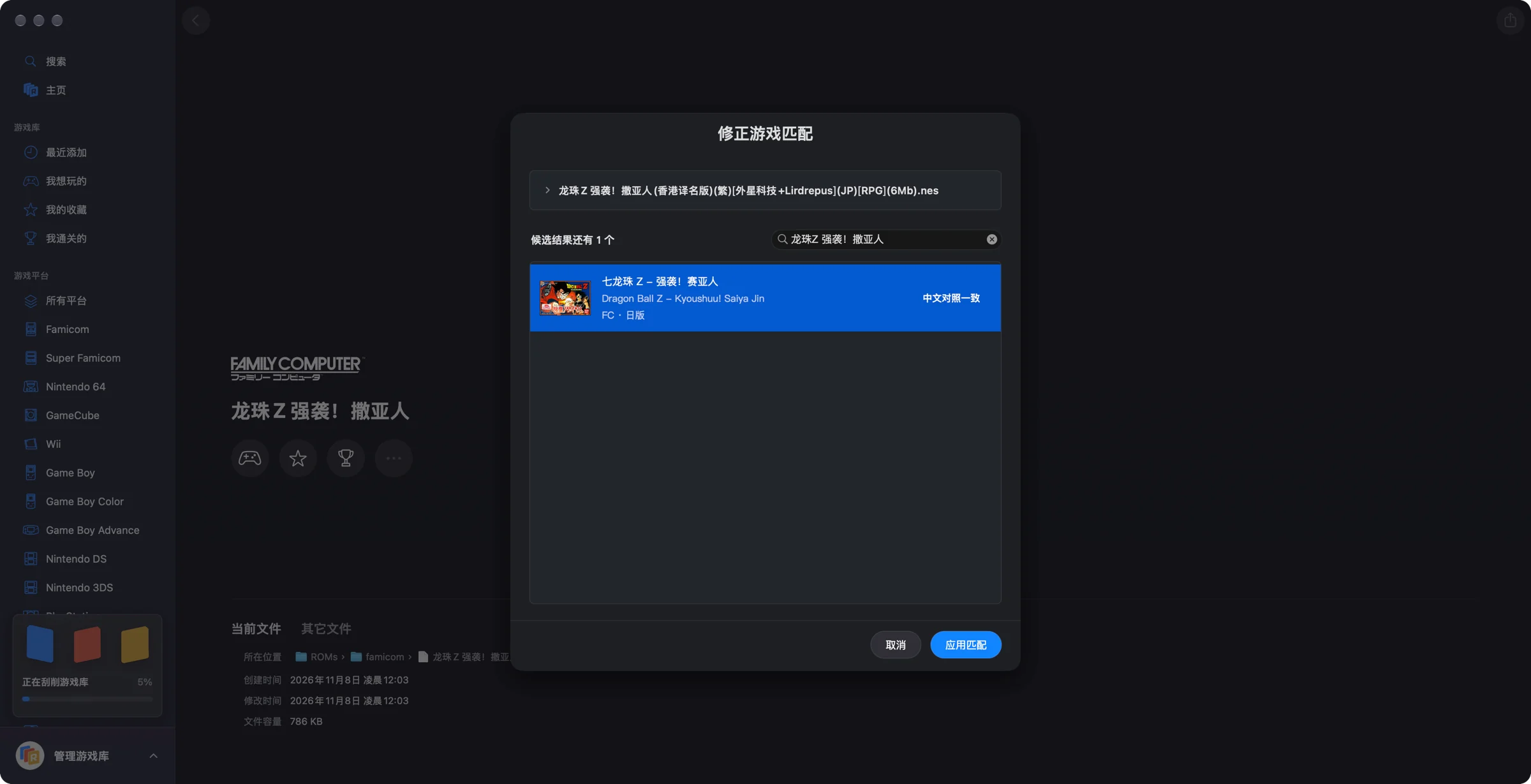
When a match is uncertain, it stays blank.If a match isn't certain, it asks you instead of guessing.
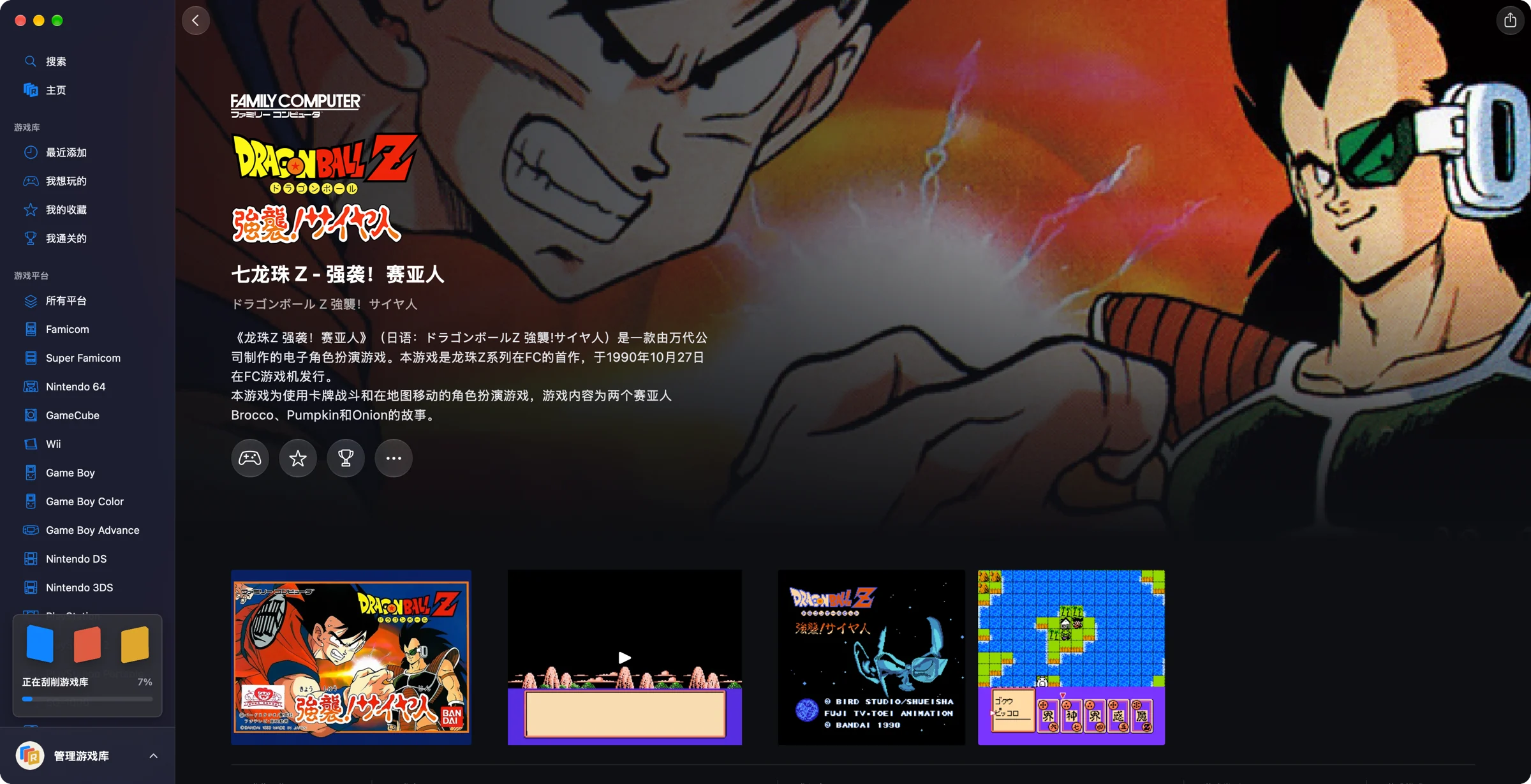
Chinese translations have a place, too.A built-in lookup table matches Chinese translations to the original games. You confirm the match.
Game details fill in automatically after you confirm.Super Retroid scrapes the box art, background, logo and description for the original game.
Super Retroid pulls box art, backgrounds, logos, screenshots, videos and descriptions from online sources. Add your own images anytime.
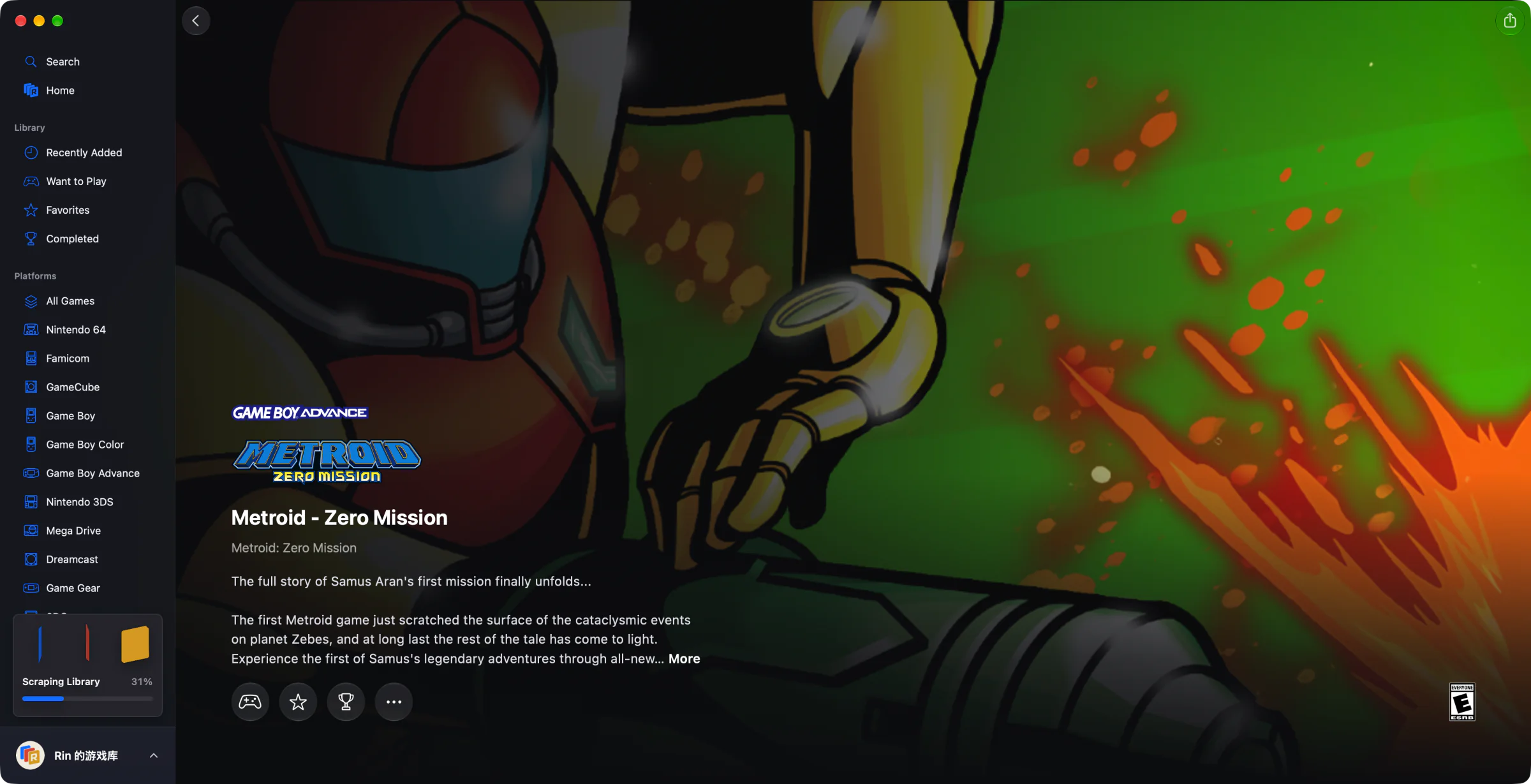
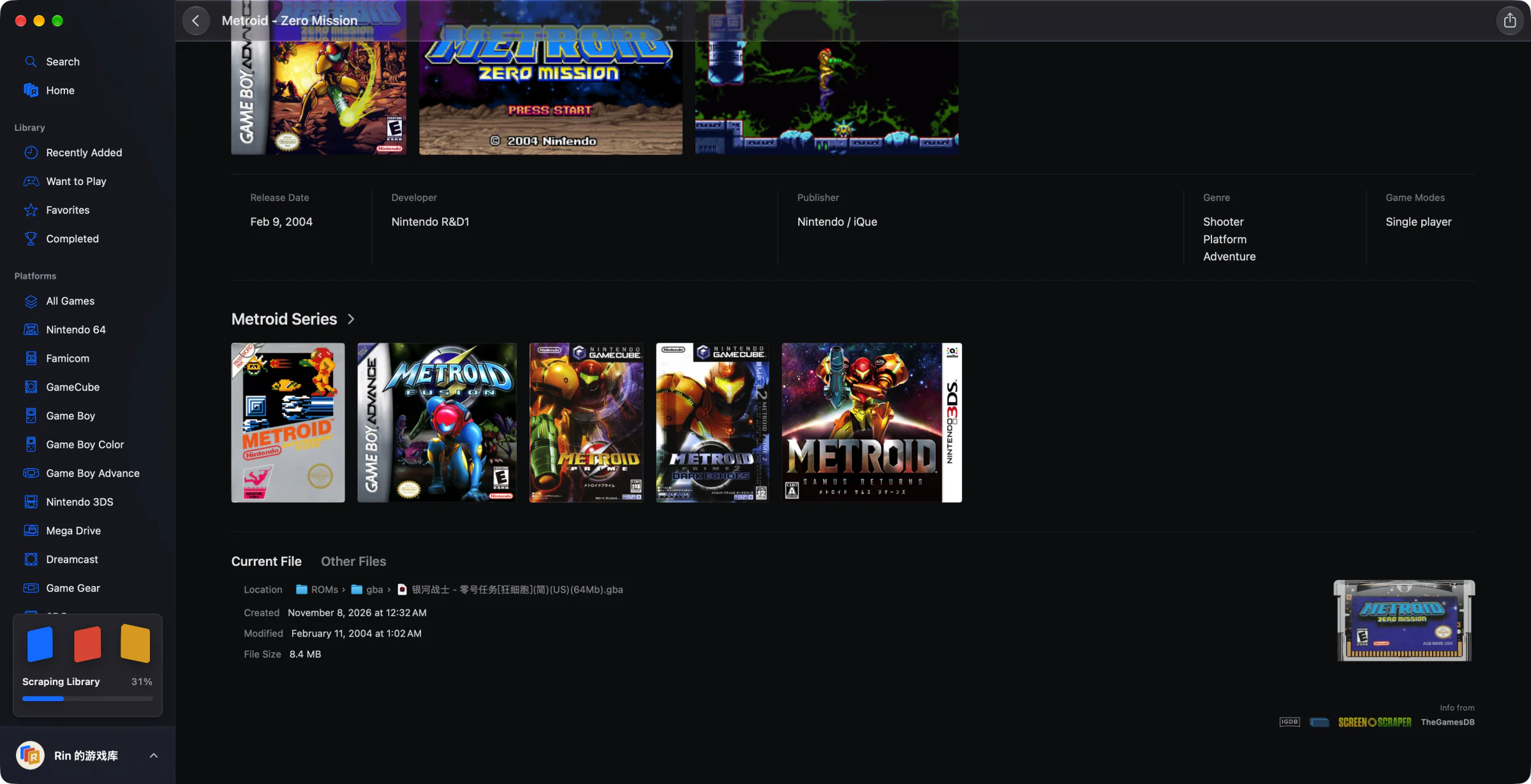
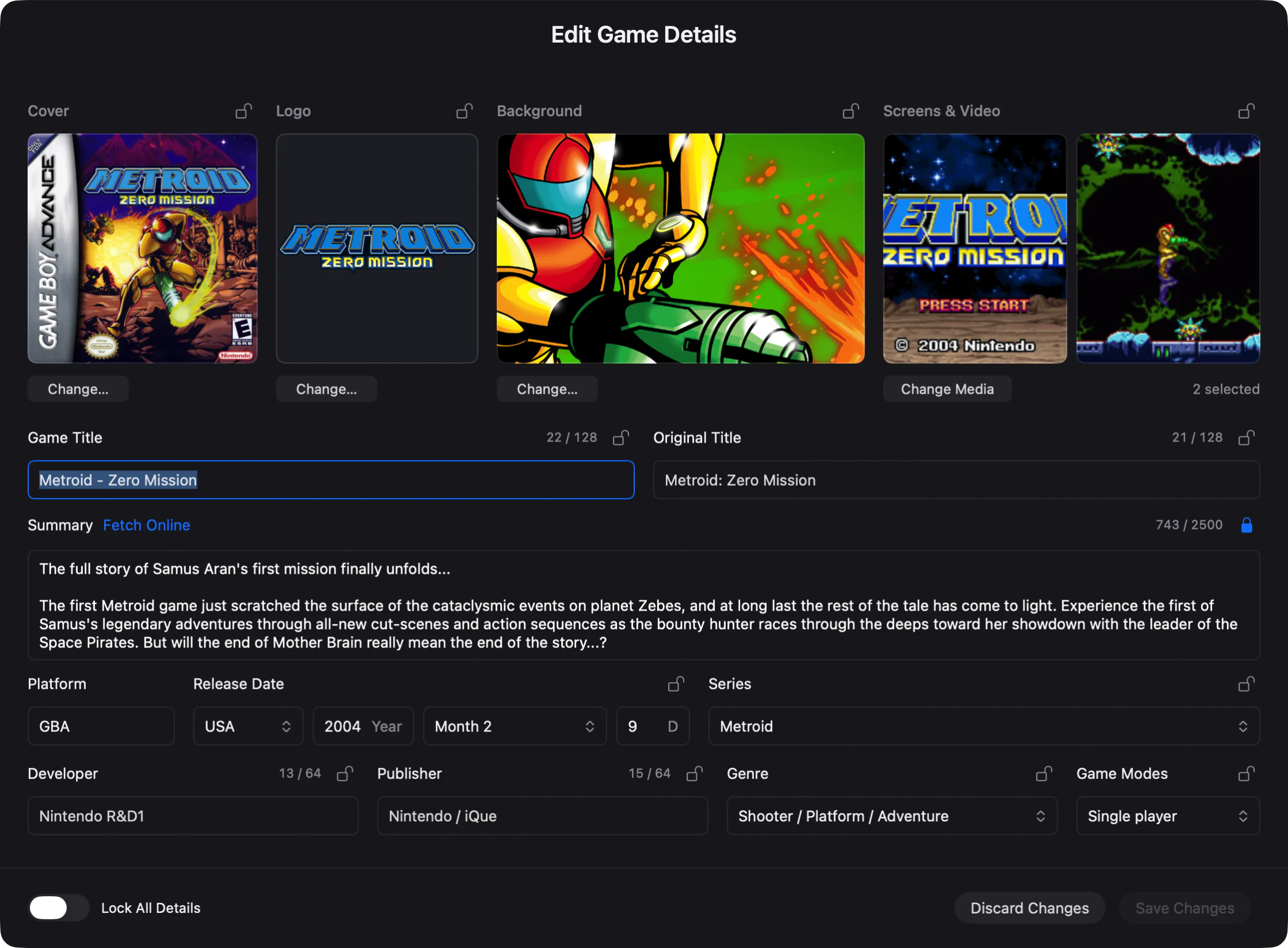
See the options from different sources together for each game. Pick the box art, background and description you like best from every source.
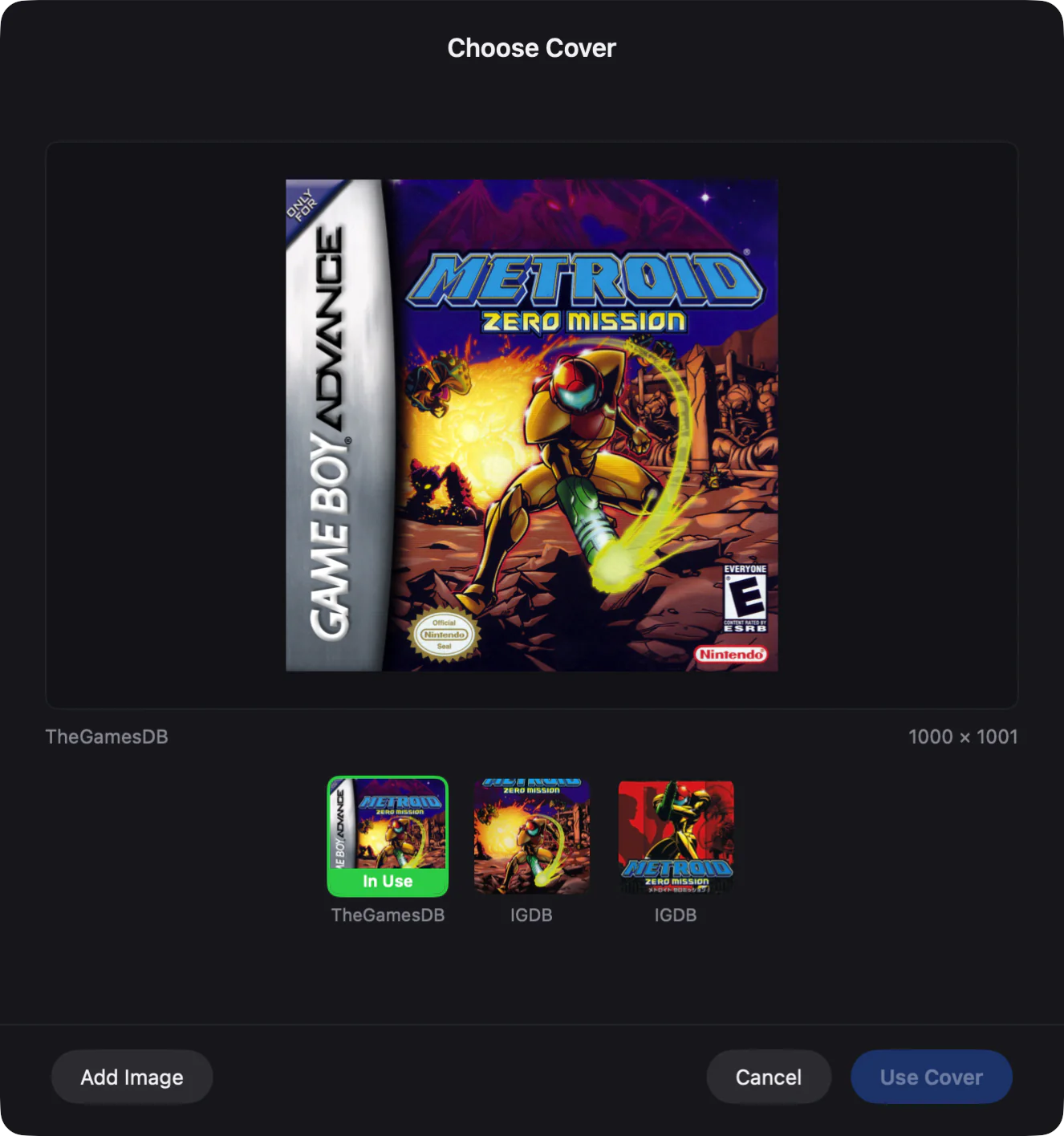
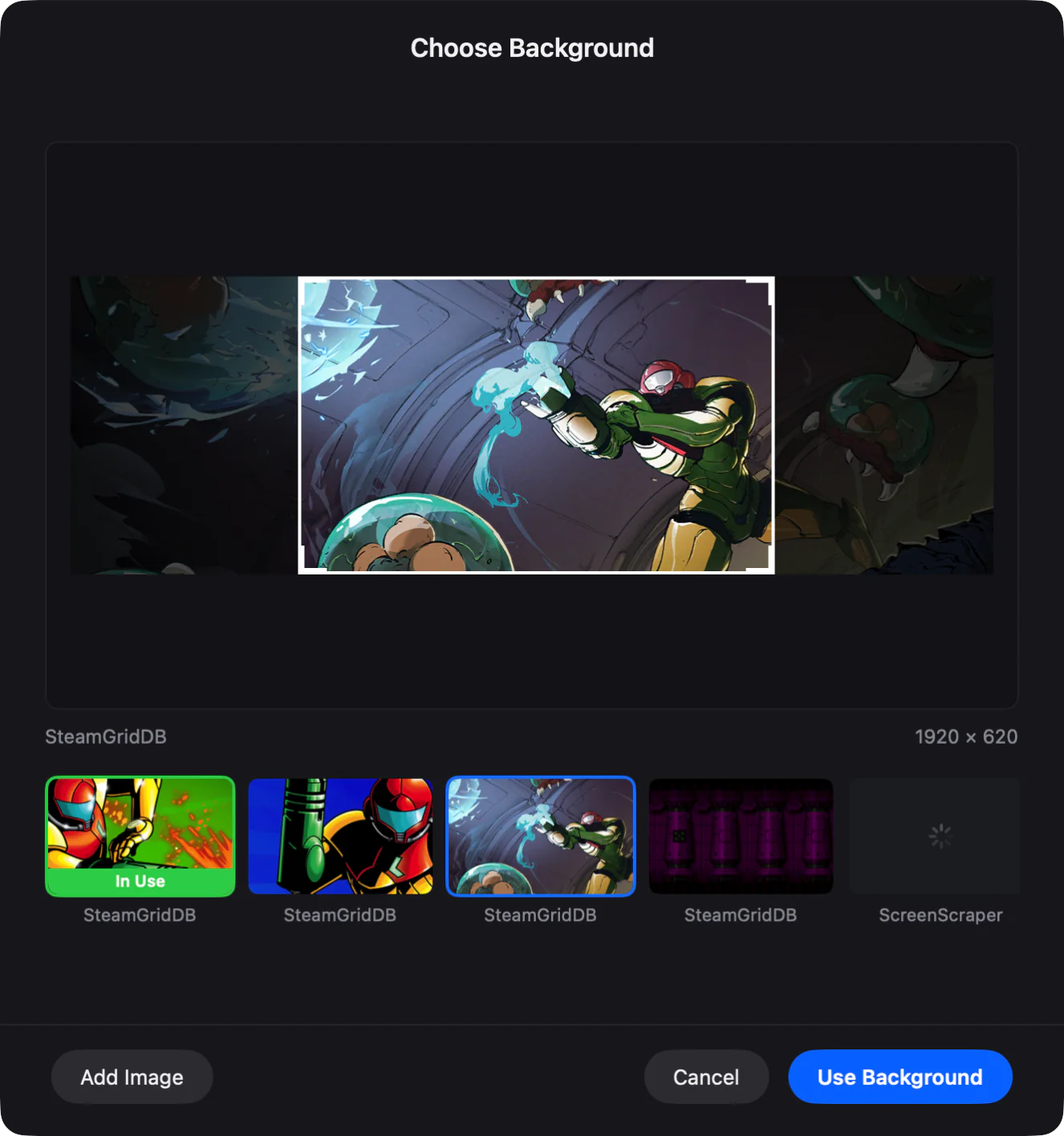
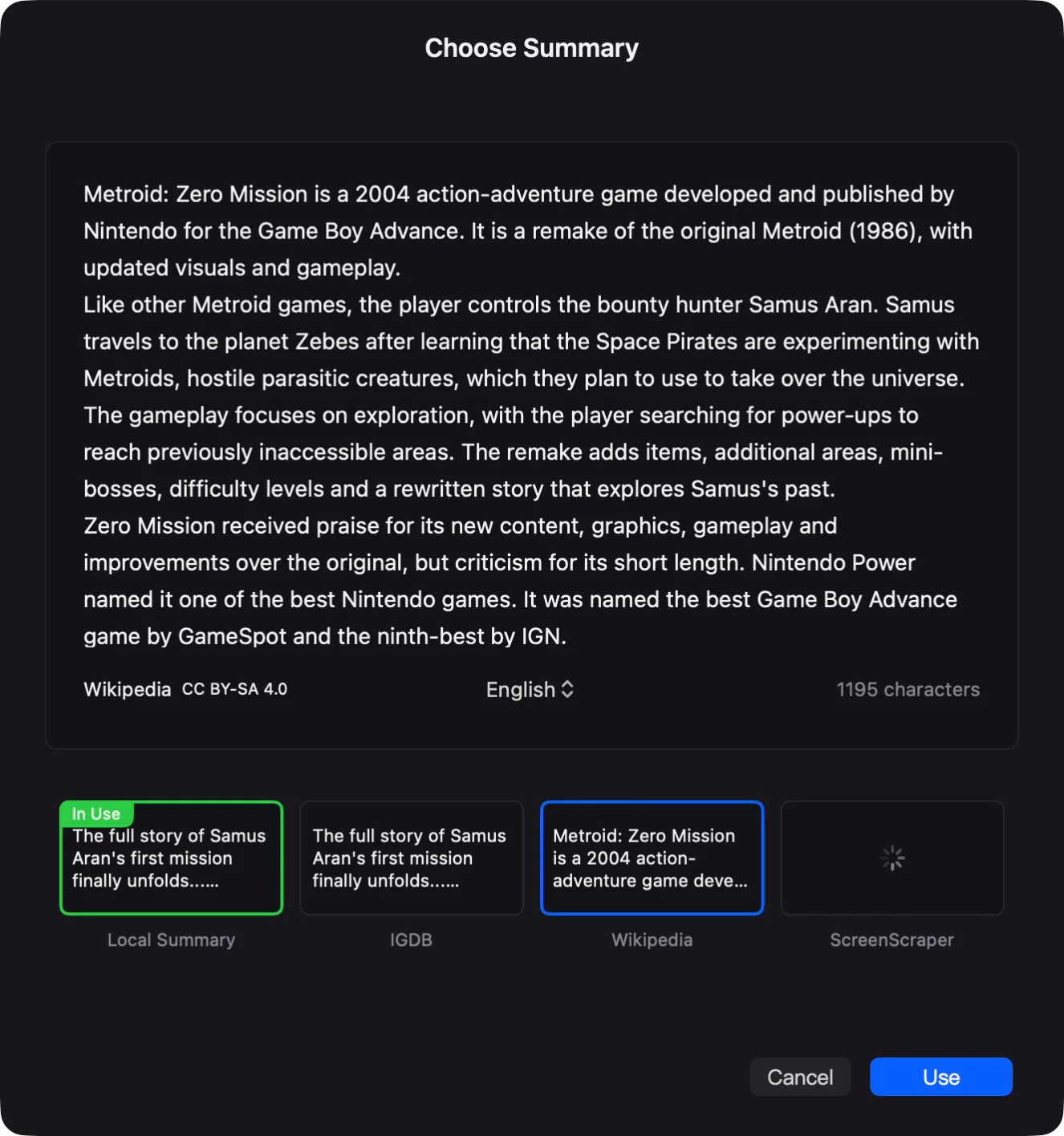
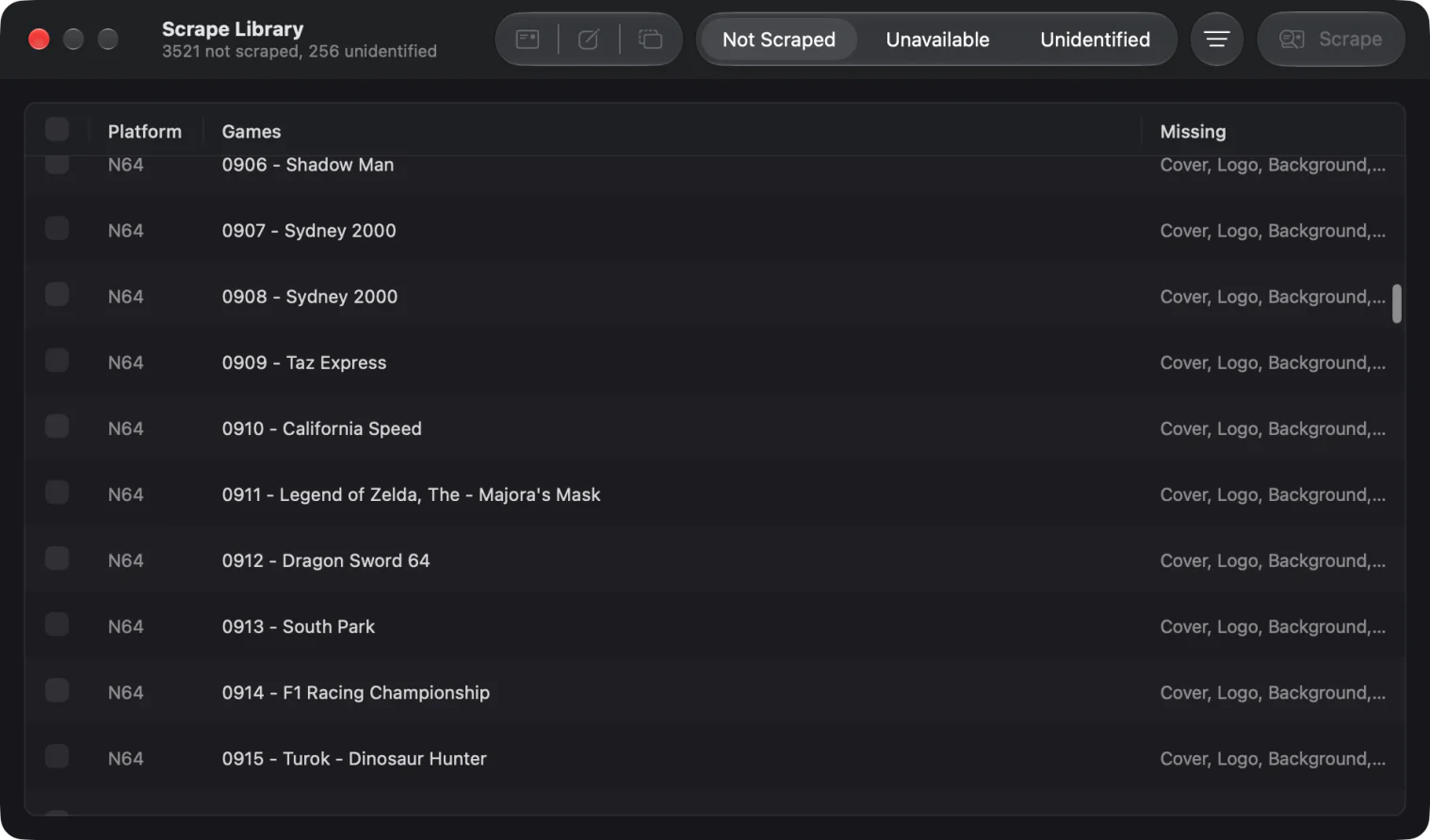
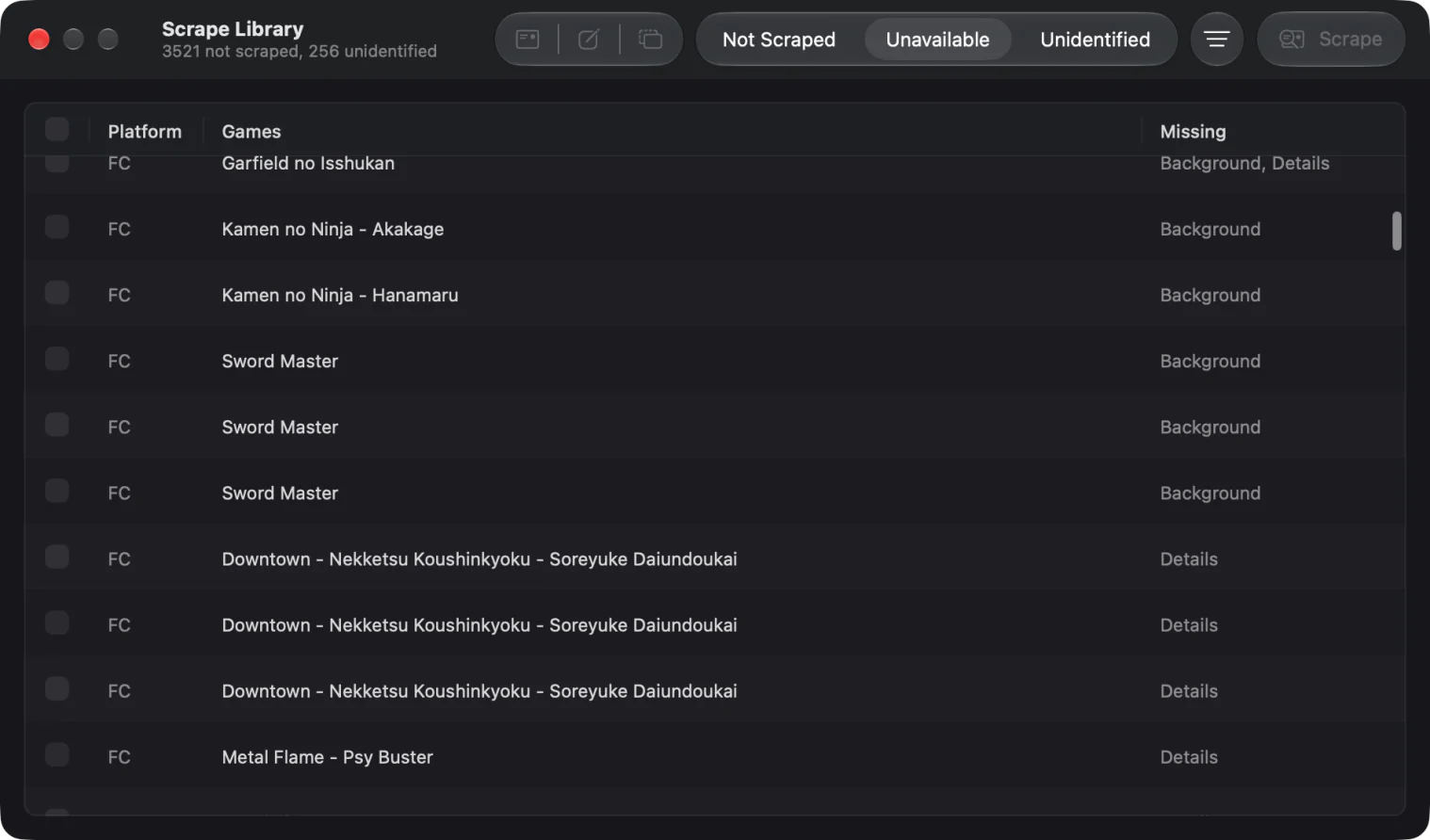
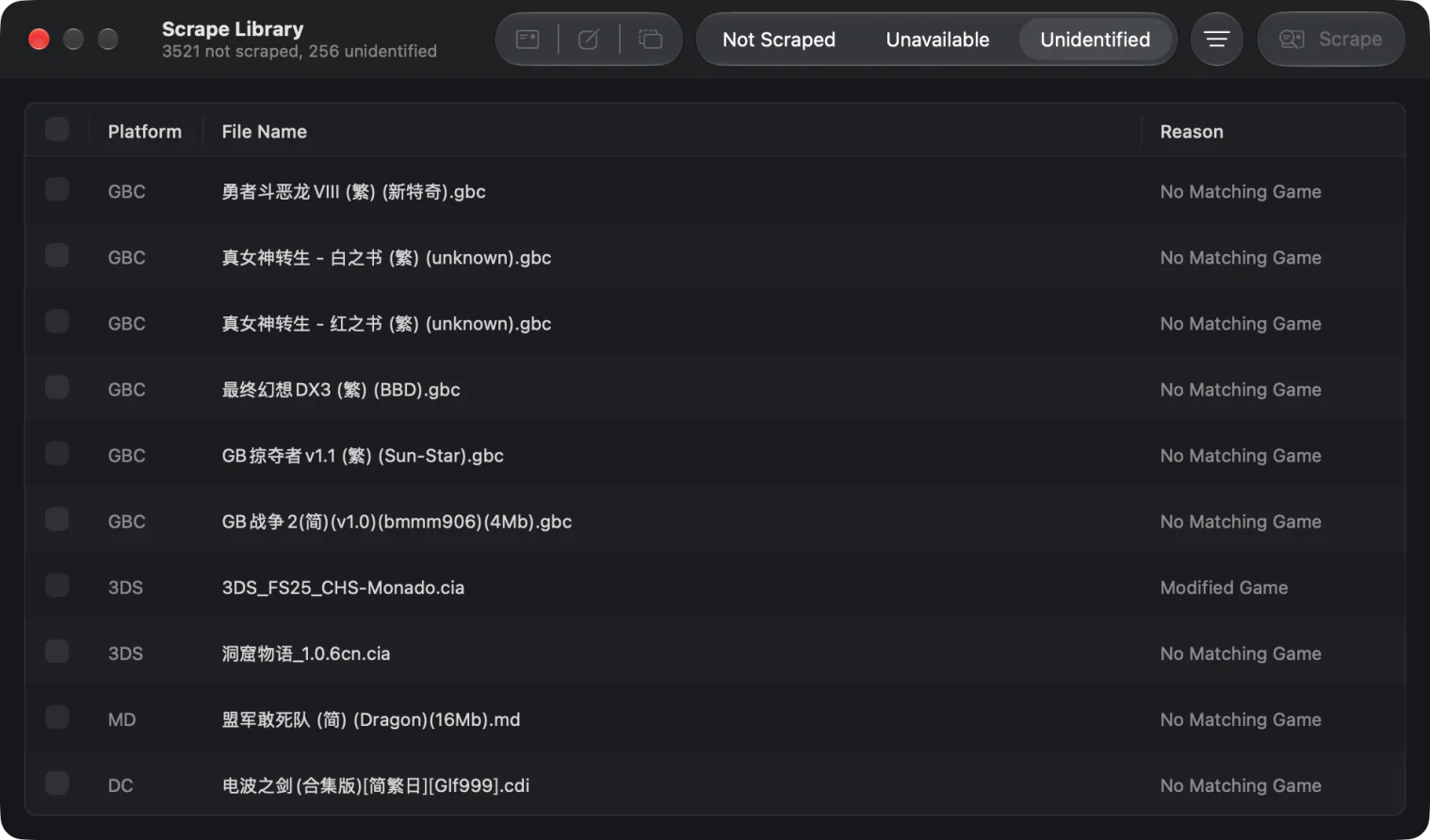
Scrape Library lists what each game is still missing. See what you can scrape again and which matches need your confirmation.
Update your library to see new games together and scrape them in one batch.
Scraping and exporting run in the background. Follow progress in the sidebar and keep browsing your library.
Super Retroid pulls game details from ScreenScraper, SteamGridDB, IGDB, libretro, GameTDB and more.
Import media packs directly from frontends like ES-DE and Pegasus and keep every image, video and description.
Mark games as Want to Play, Favorites or Completed. Pick what to play before you turn on your handheld.
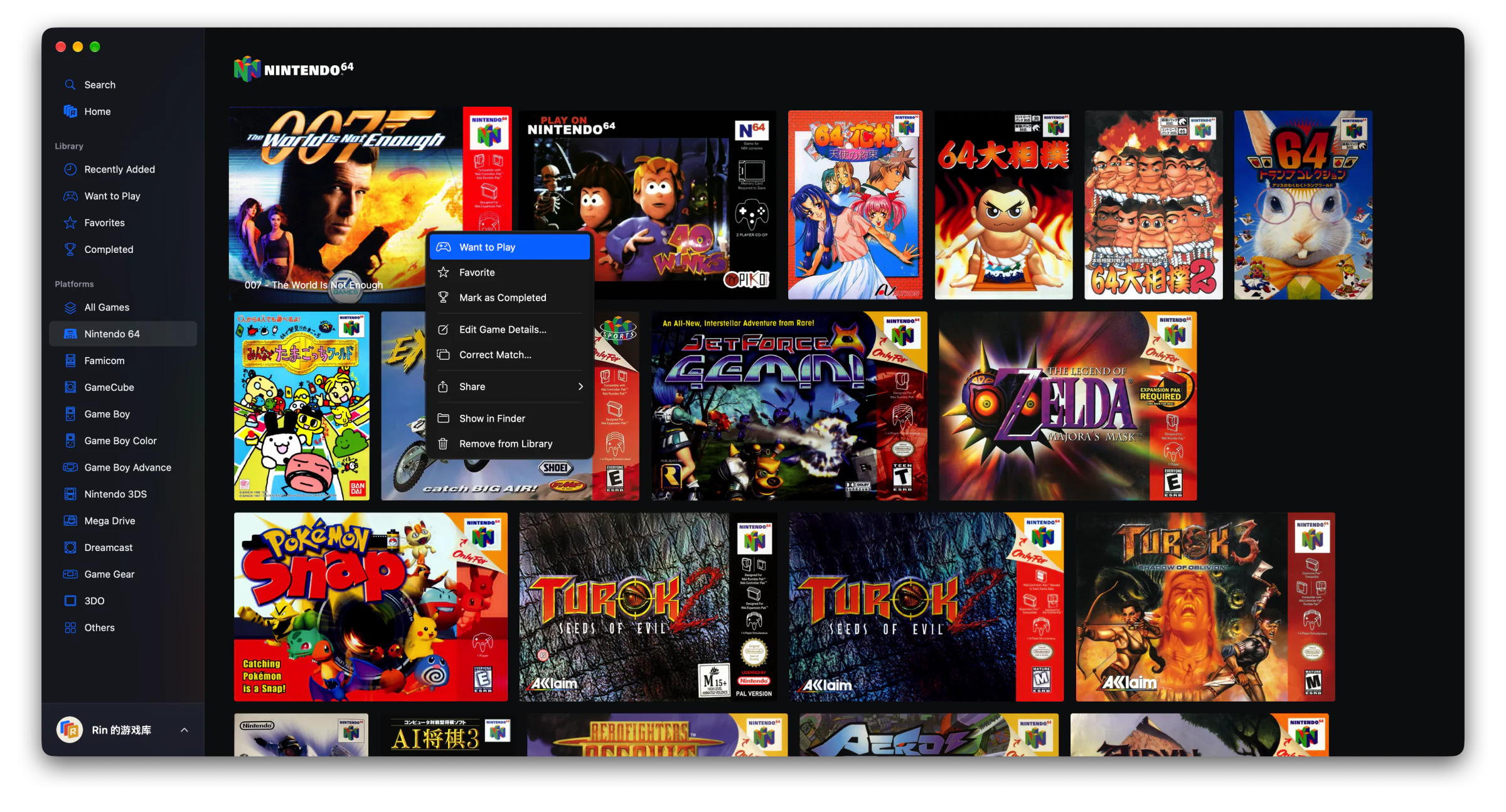
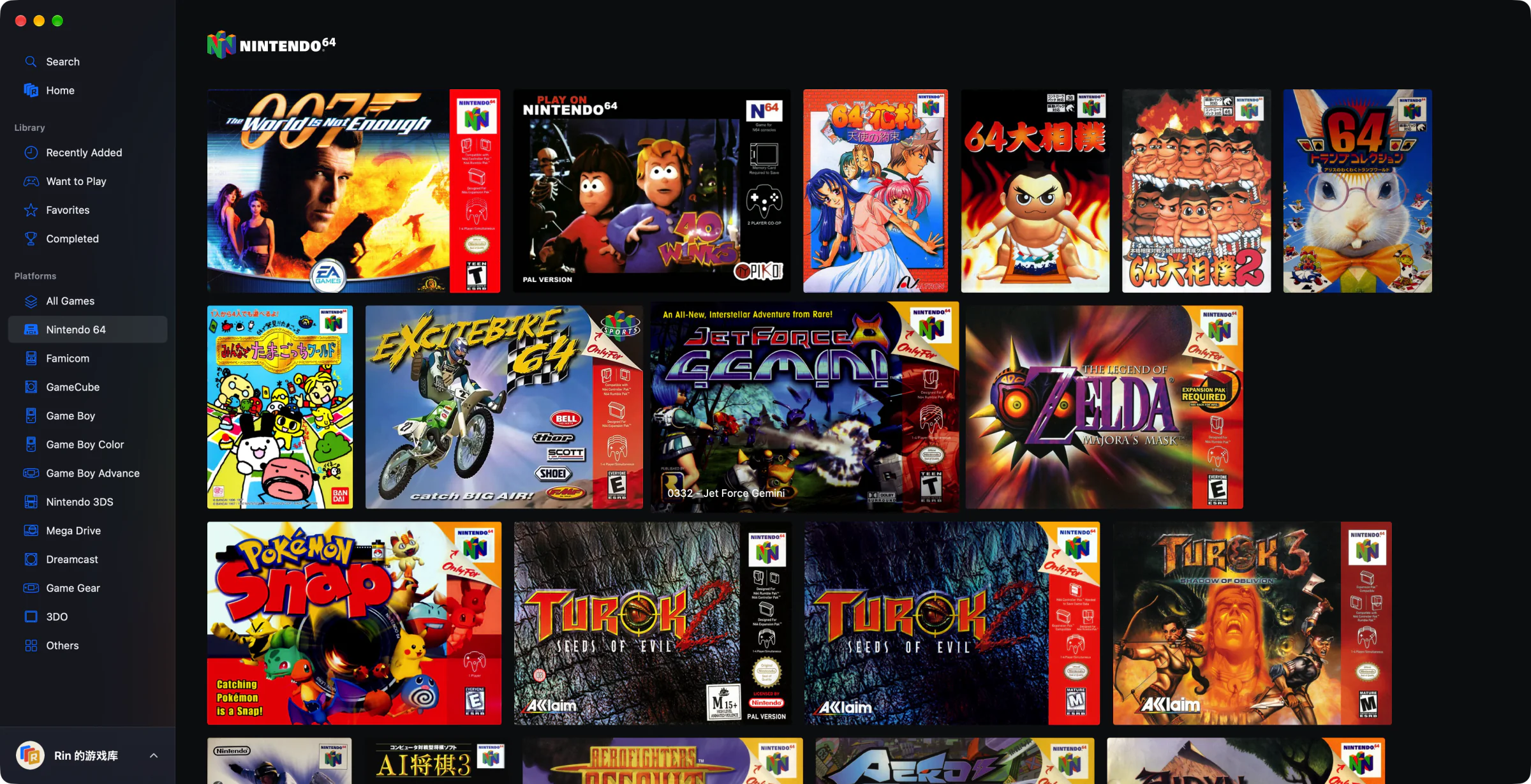
Box art keeps its original proportions.Landscape, portrait, or square, every box looks the way it was meant to.
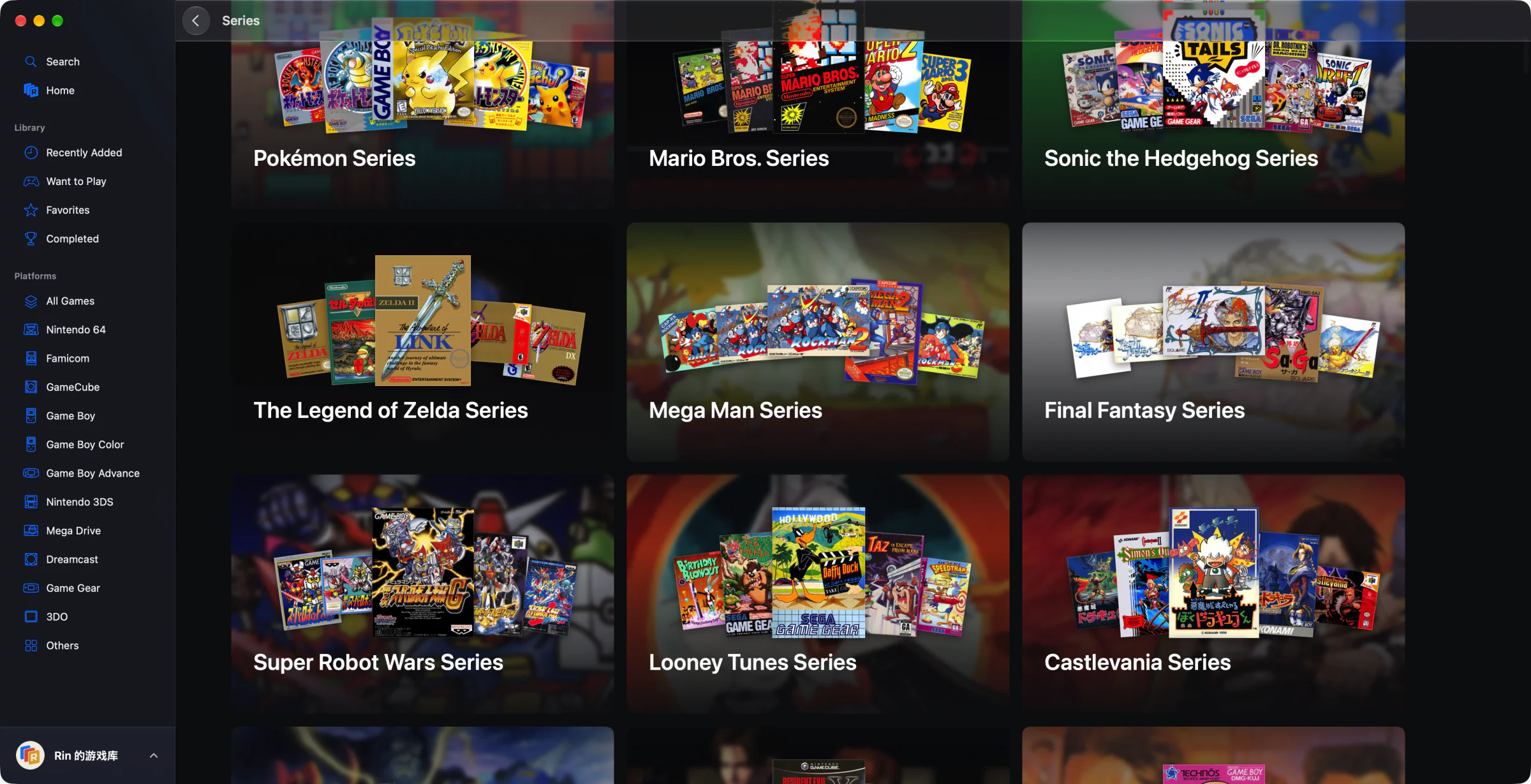
Browse by series.See all entries in a series at once, even across platforms.
A box art wall for every platform.See background scraping progress in the sidebar.
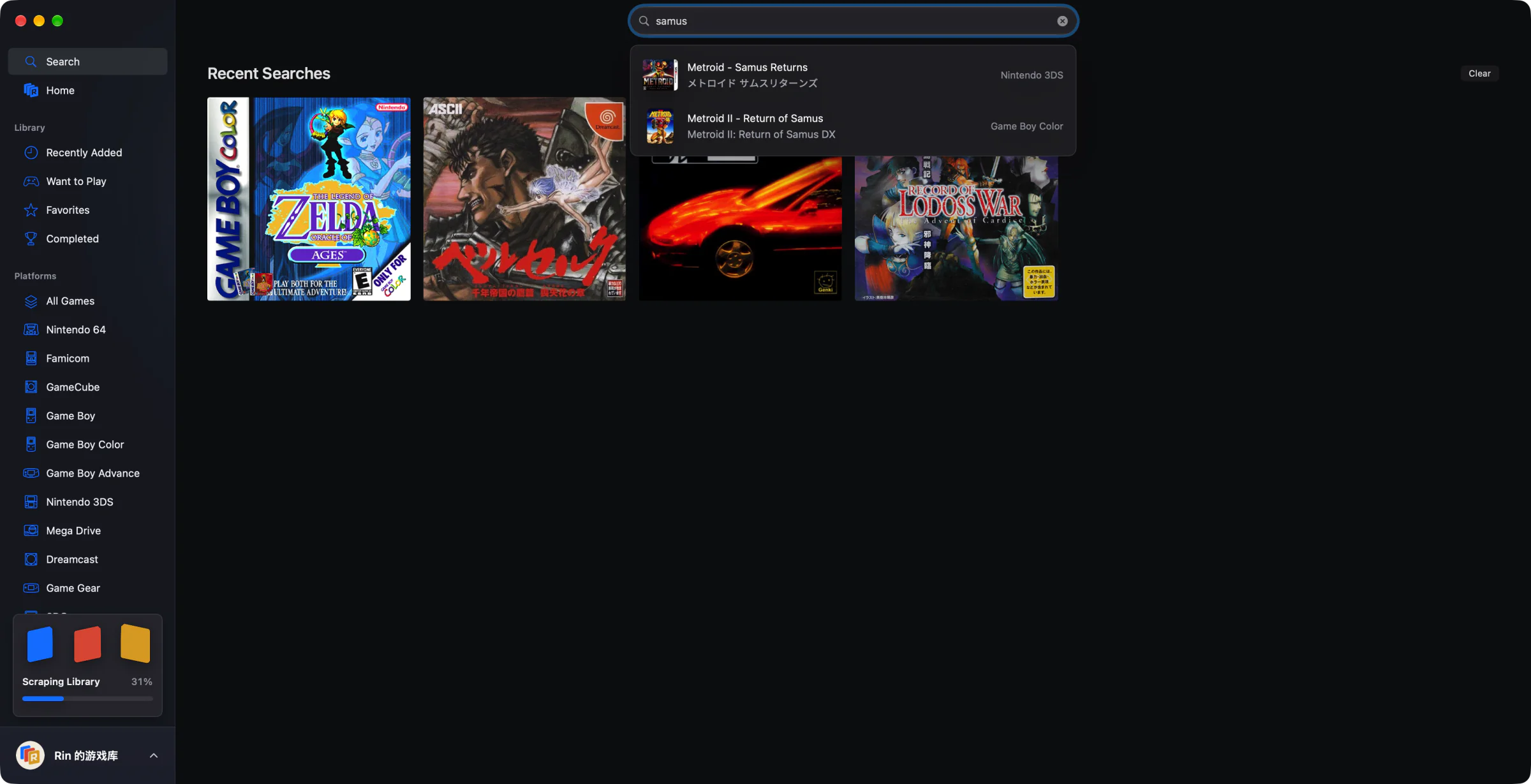
Search by Chinese or original title.Type a few characters to see matching titles right away.
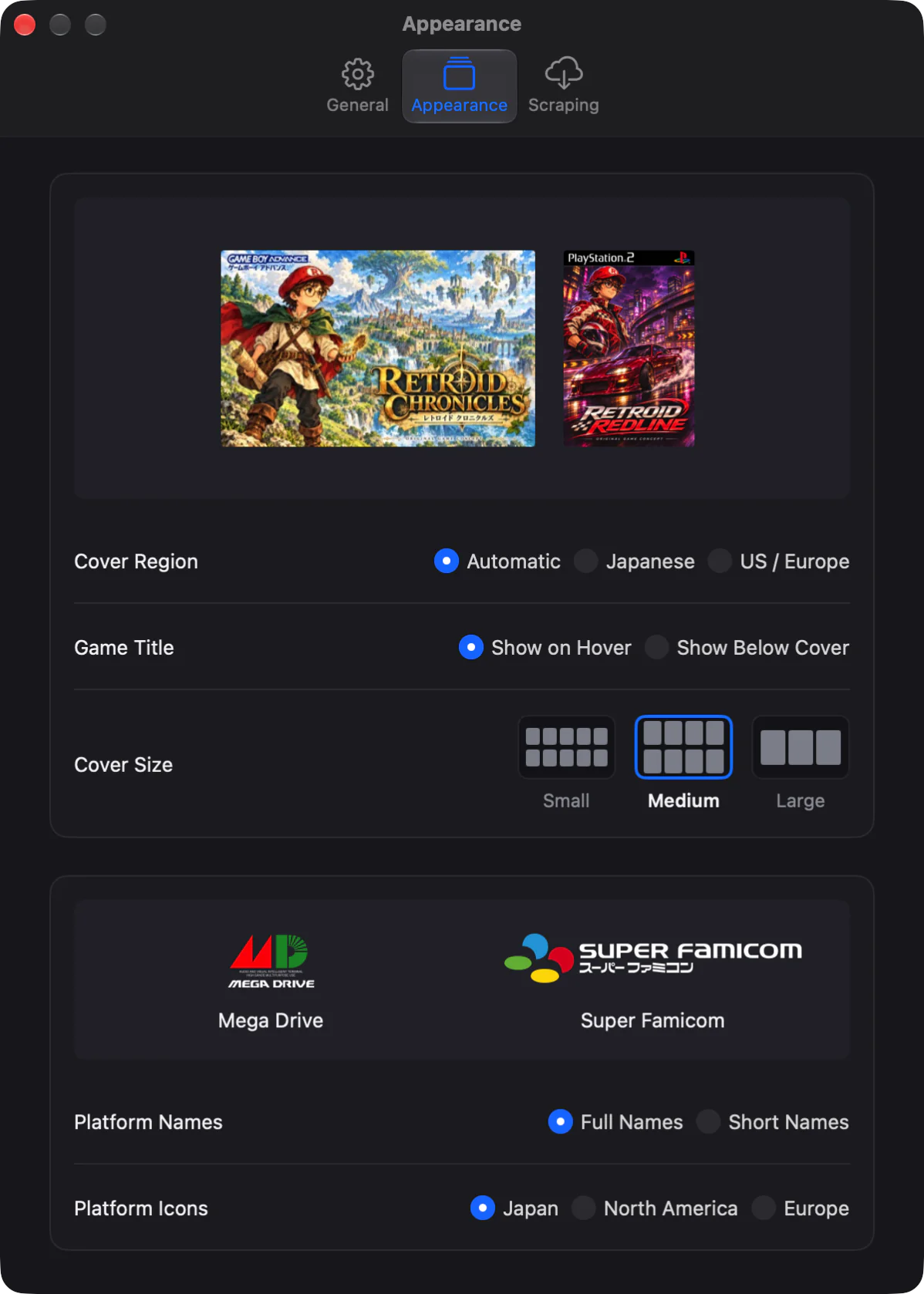
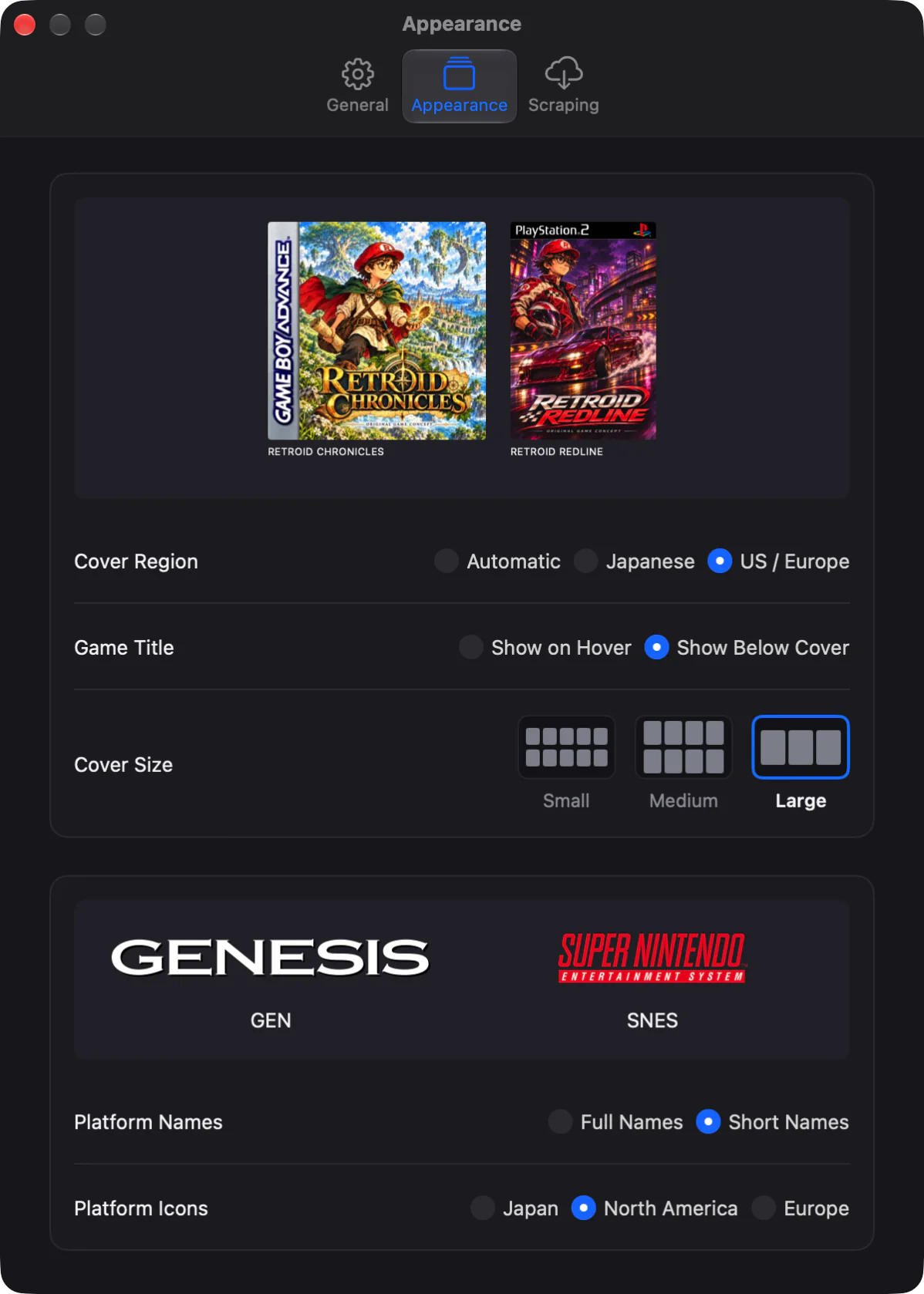
Platform names and icons follow the region you choose. Give Japanese or international box art priority, whichever you prefer.
Multiple discs, file formats, and Chinese translations of the same game are grouped on one card, so you can switch anytime.
Built natively for macOS using its own frameworks, with care in every interaction.
Add a cartridge label and Super Retroid wraps it in a custom transparent shell to recreate the complete cartridge.
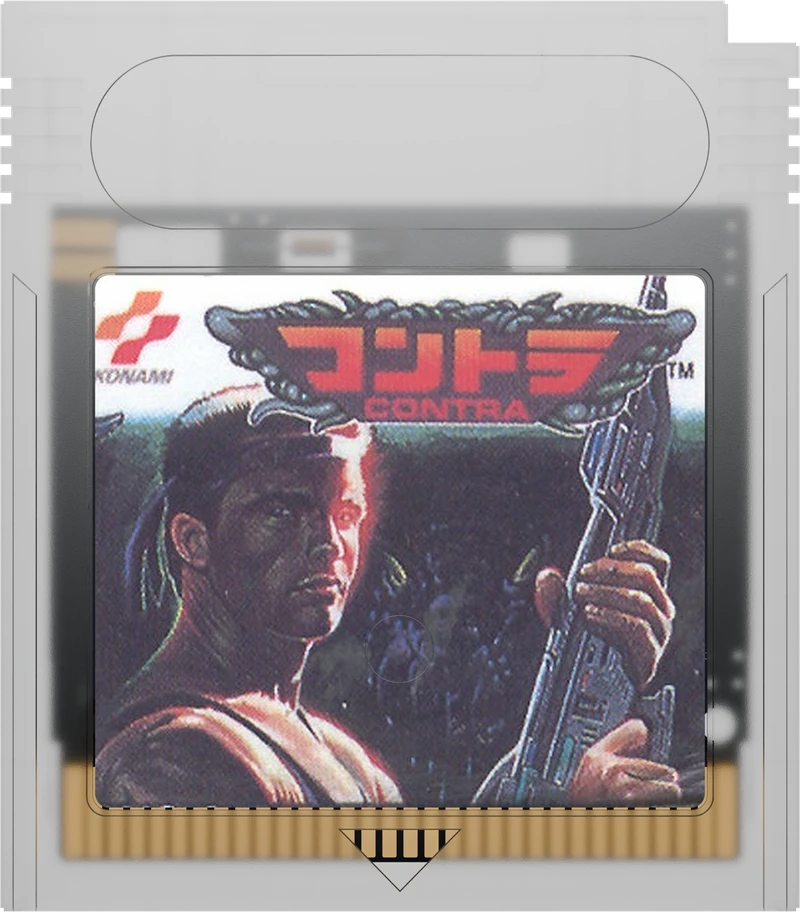
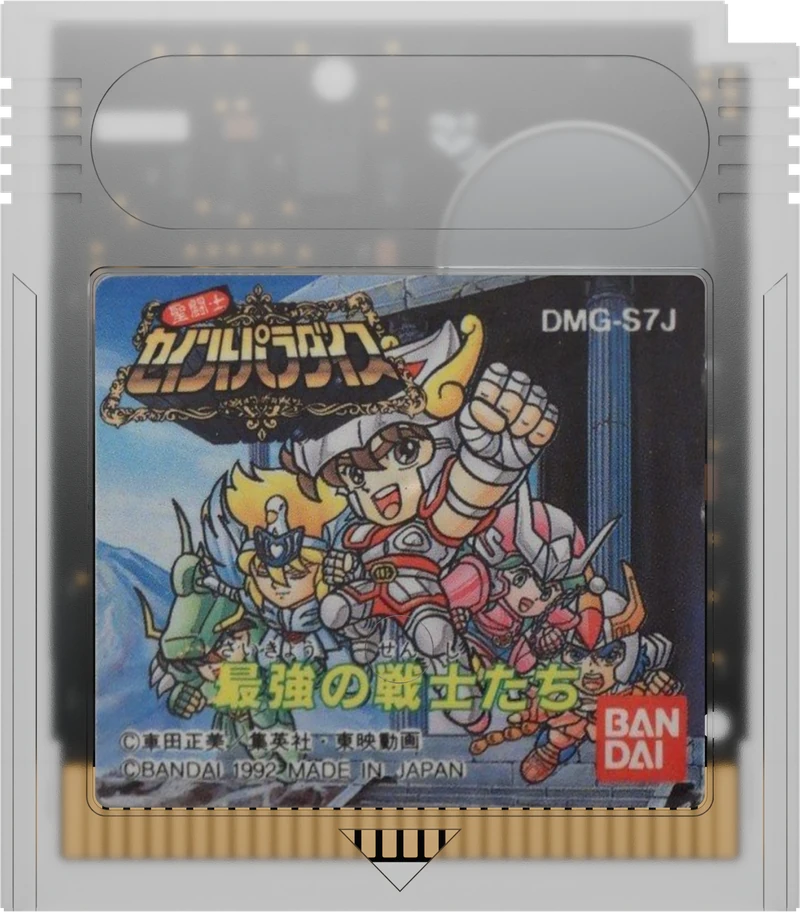
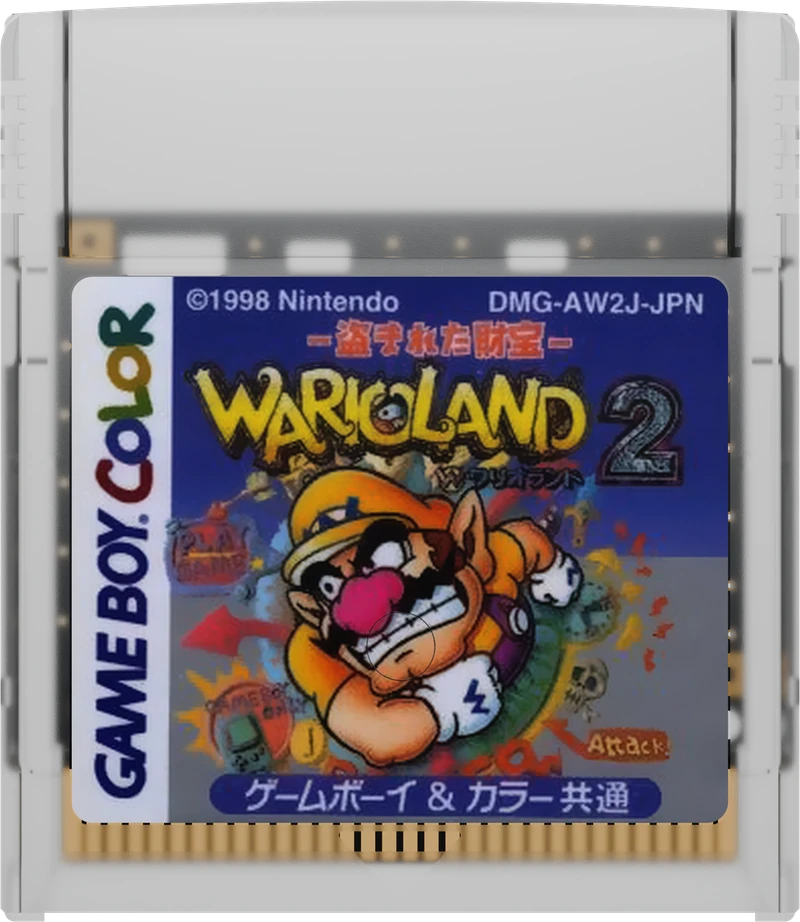
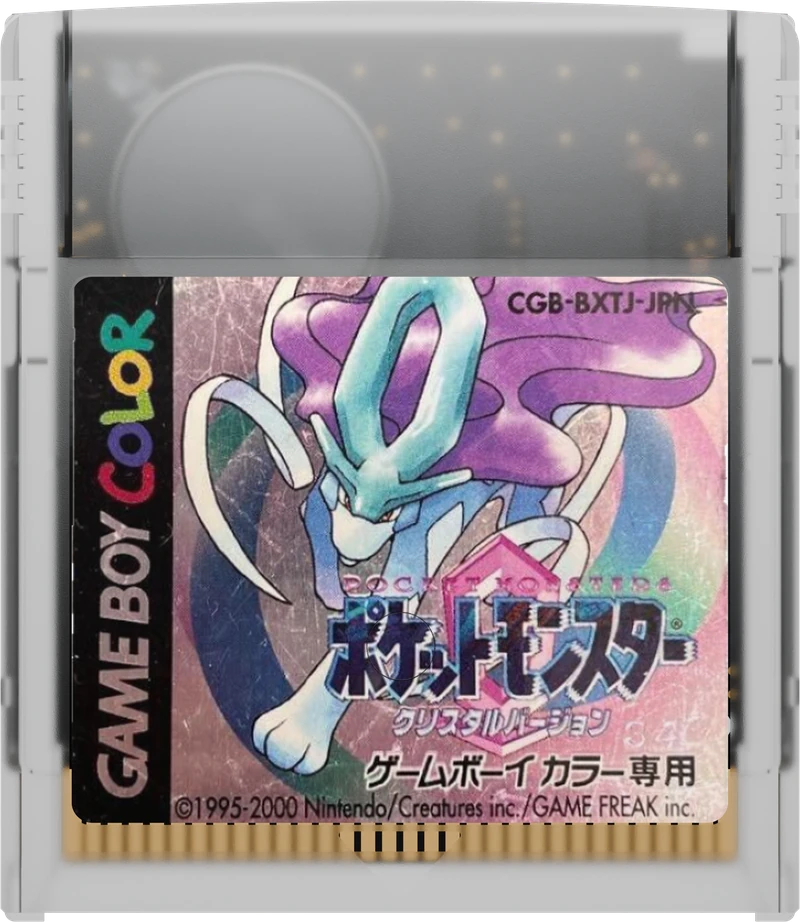
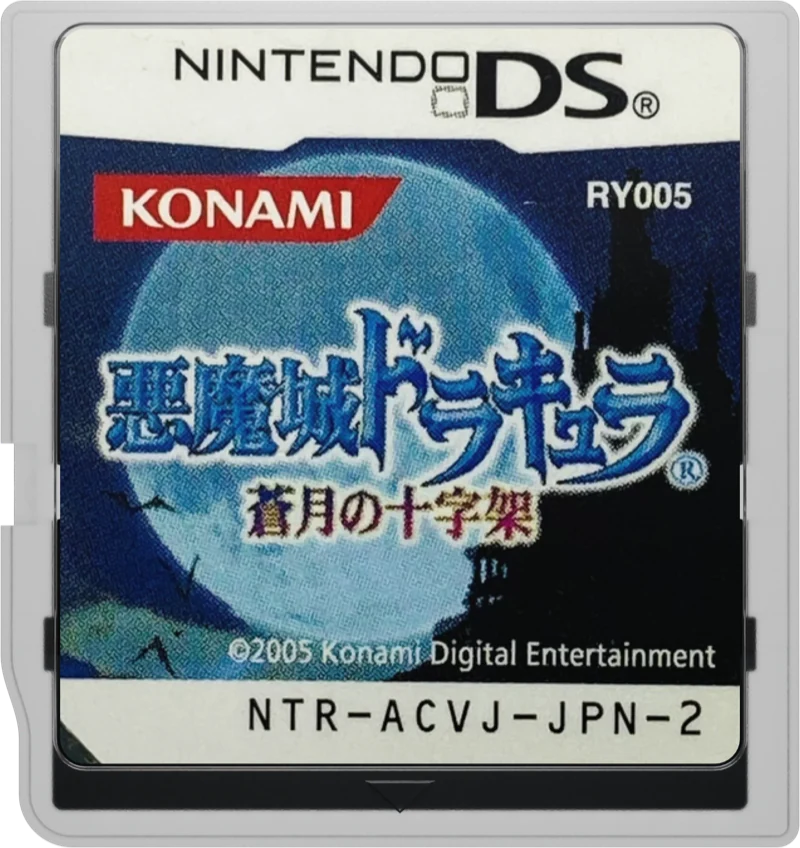
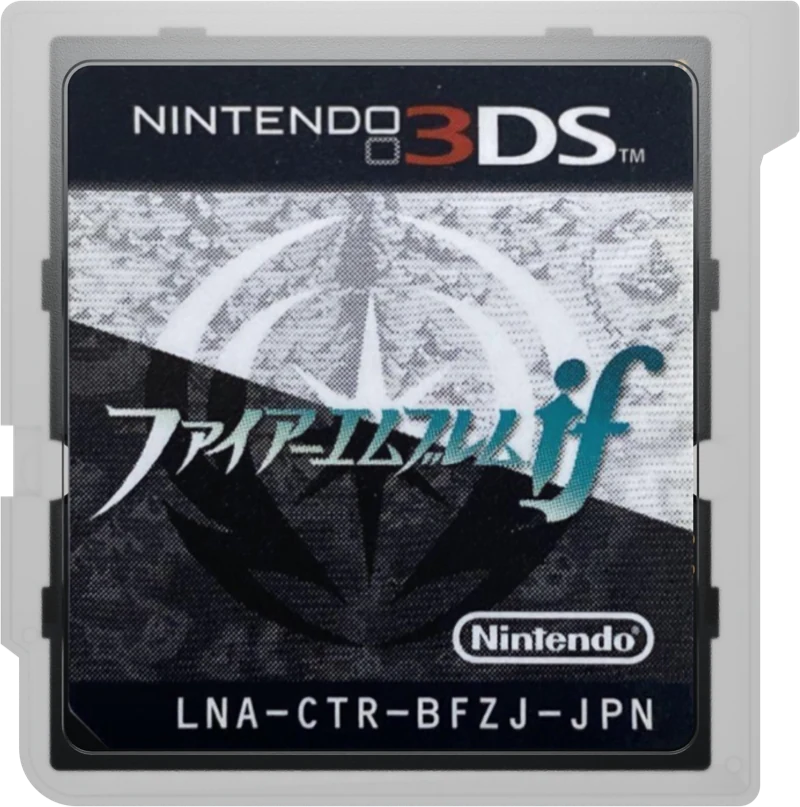
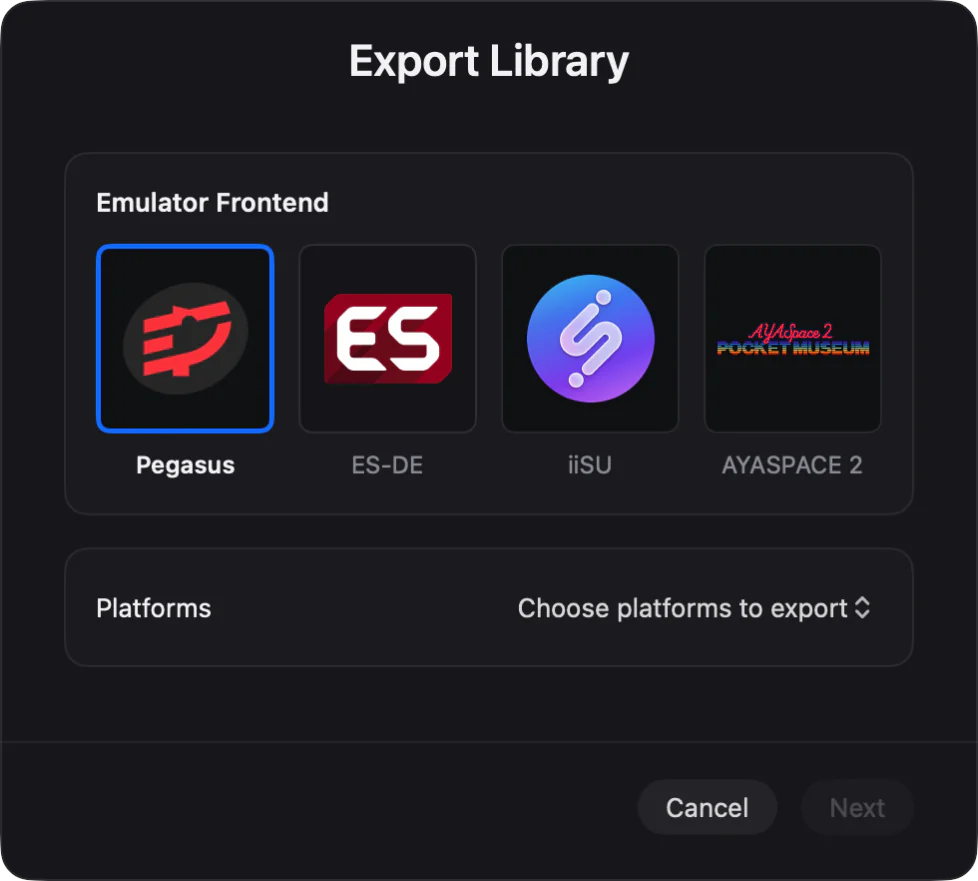
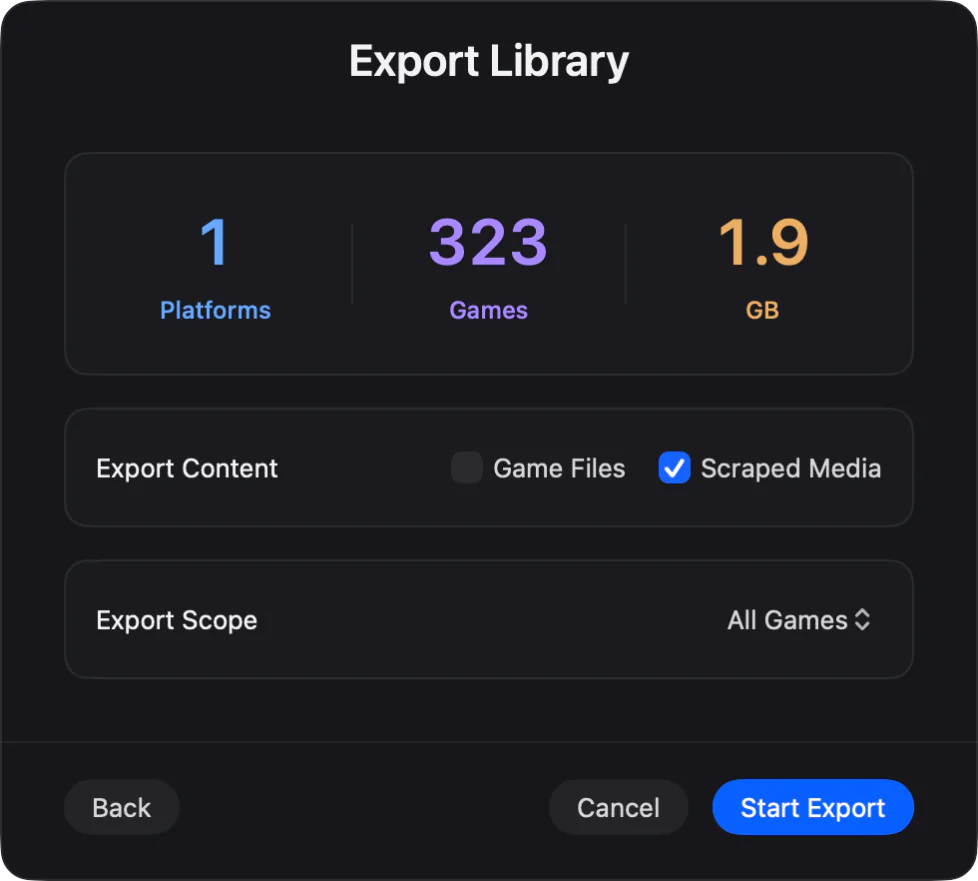
When you're ready to play, export to handheld frontends like Pegasus, ES-DE, iiSU and AYASPACE 2. Export all games or just those marked Want to Play or Favorites.
Patches and DLC for 3DS games stay with the base game and go into the same game folder when you export.
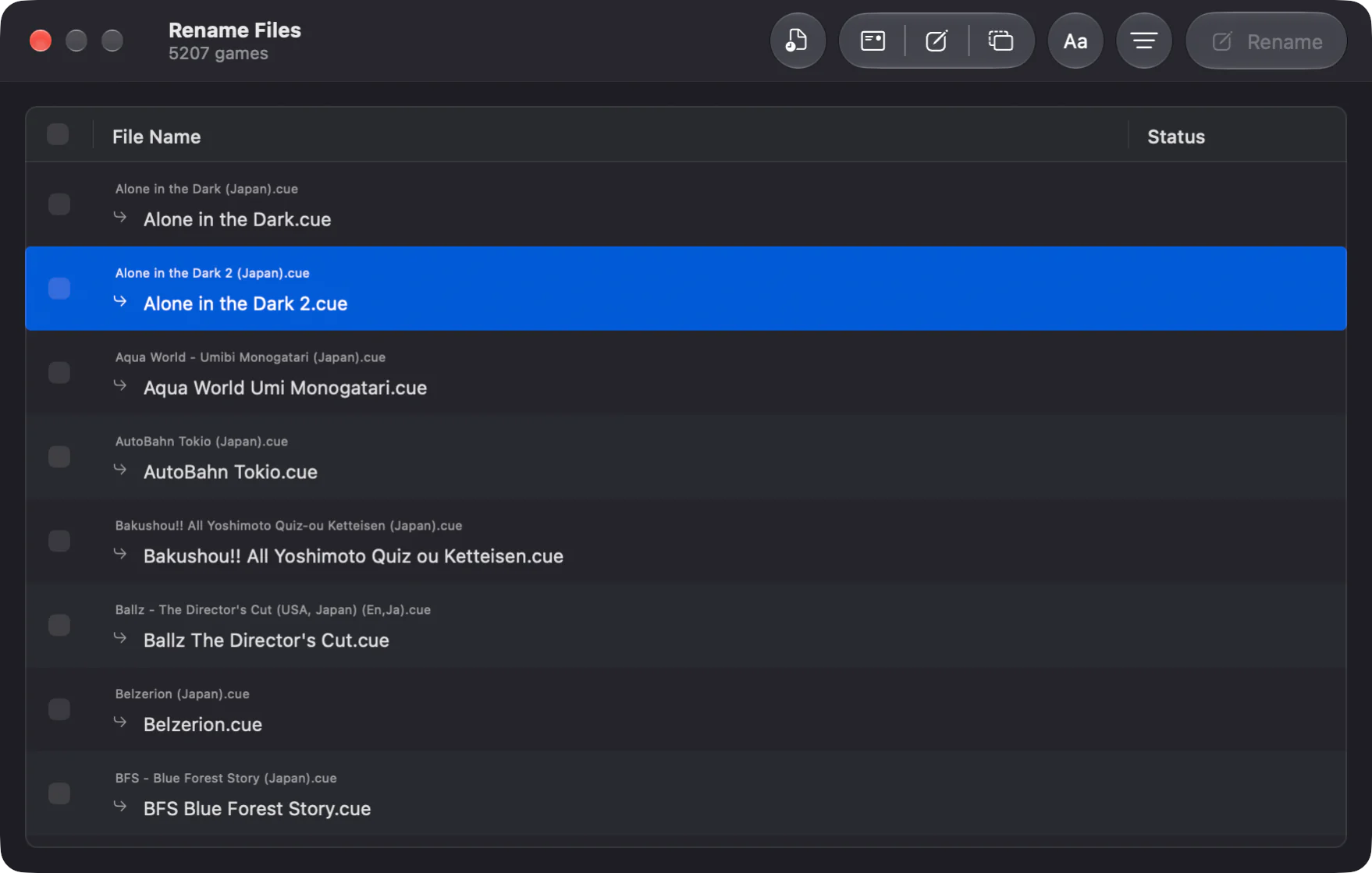
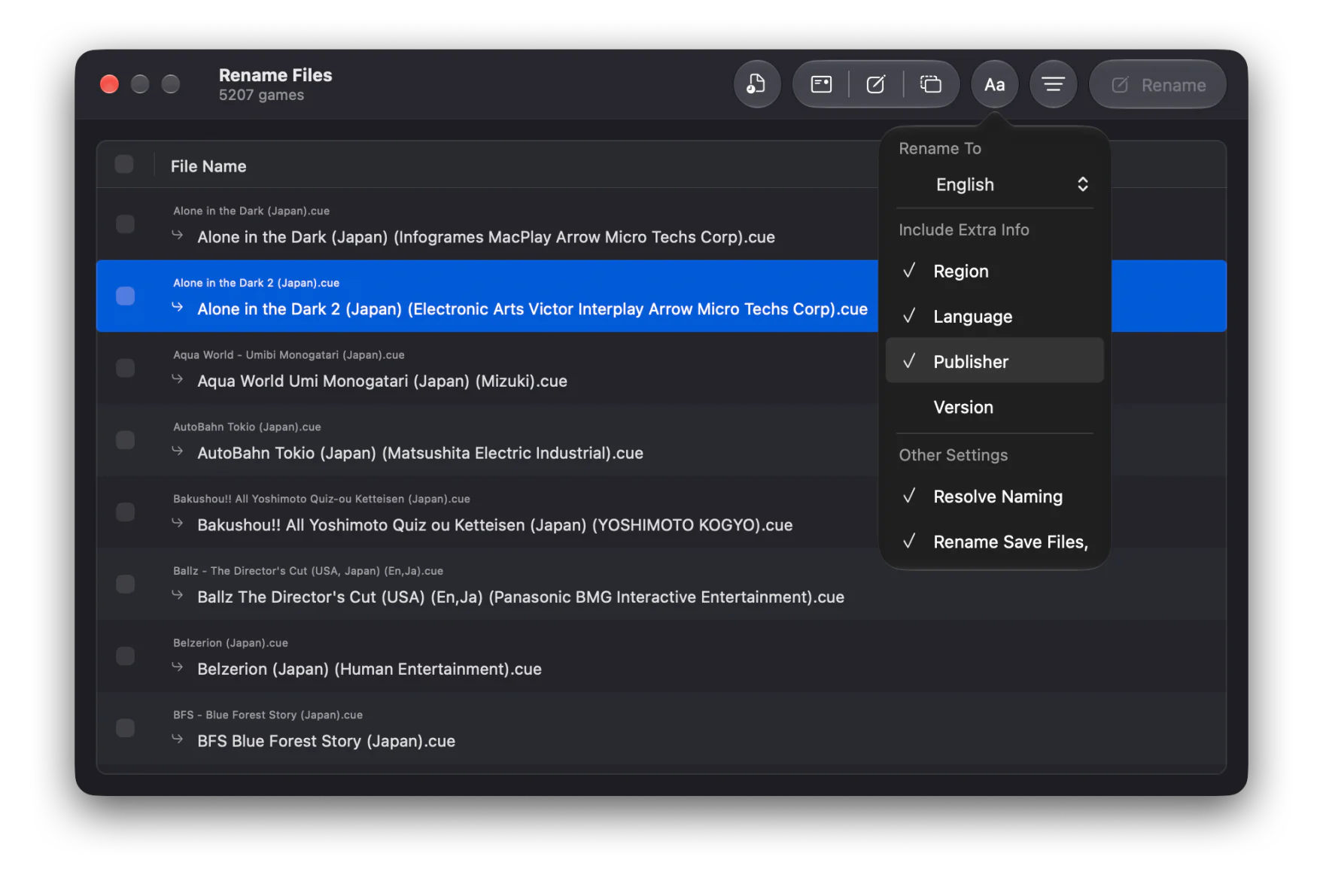
Use Rename Files to clean up messy file names in one go. Rename them using their Chinese or original game titles, with a preview before anything changes and a history of every rename.
Your whole library lives in a single .retroid file. It holds your box art, backgrounds, logos, cartridge labels, screenshots and descriptions. In Finder, it's one file you can easily back up, export and share.
Copy the .retroid file to keep all the box art and game details you've organized.
Moving to another Mac? Take the file with you, open it, and pick up where you left off.
Send it to a friend so they can use the library you’ve organized.
A .retroid file does not include game ROMs.
All your library data is stored locally on your Mac. Your library is yours alone.